If you scroll through Instagram Reels or check your Facebook feed, you see them everywhere: short videos, sponsored posts, and product carousels labeled “Sponsored.”
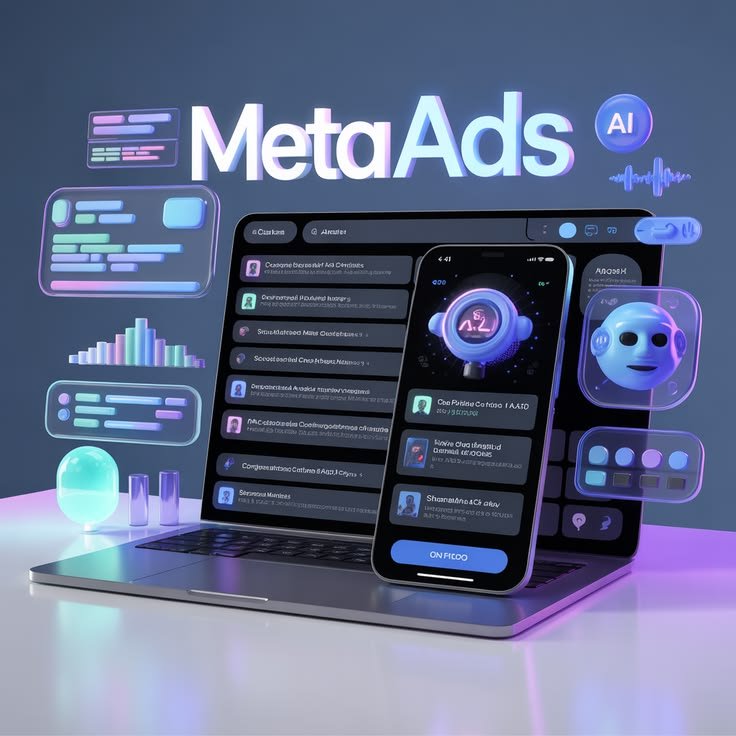
Those are Meta Ads.
Learning Meta Ads is one of the most profitable digital skills you can pick up as a student. Whether you want to land a marketing internship, run ads for local businesses, or promote your own side business, understanding how Meta’s advertising platform works will give you a massive career advantage.
What Are Meta Ads?
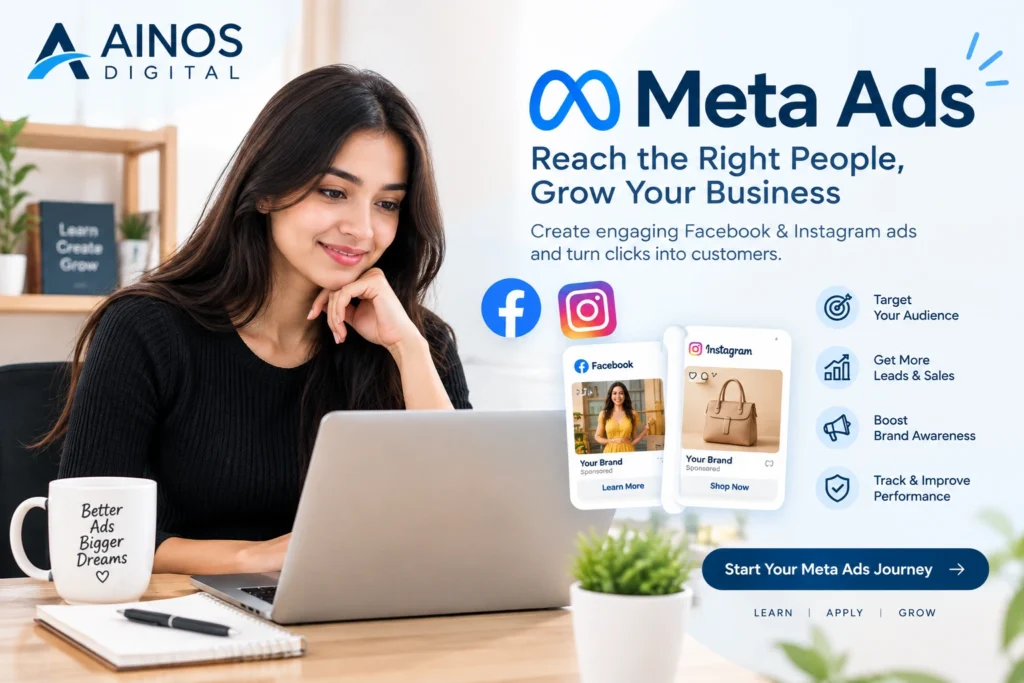
Meta Ads are paid advertisements shown across Meta’s network of platforms, which includes Instagram, Facebook, Messenger, and the Audience Network.
Unlike Google Ads (which show up when people actively search for something), Meta Ads show up based on who the user is—their age, interests, online behavior, and location.
You Post Content ➔ Pay Meta a Small Budget ➔ Meta Displays It to Your Target Audience
Why Students Should Learn Meta Ads Today
- Instant Audience Access: You do not need thousands of followers to reach thousands of people.
- High Freelance Demand: Small businesses, local stores, and online shops constantly need people to manage their paid ads.
- Low Starting Budget: You can launch a campaign with as little as $1 or $2 a day to test and practice your skills.
How Meta Ads Work (The Core Structure)
Meta organizes every advertising campaign into a 3-level hierarchy. Think of it like a folder system:
1. Campaign (The Goal)
   └── 2. Ad Set (The Audience & Budget)
       └── 3. Ad (The Design & Message)
| Level | What You Choose Here | Example |
| Campaign | Your primary objective | Drive traffic to a website, get sales, or build awareness |
| Ad Set | Your target audience, budget, and placements | Target 18–24-year-old college students interested in sneakers |
| Ad | The visual content users actually see | A single photo, video Reel, or carousel with text and a button |
The 6 Essential Steps to Run Your First Meta Ad
Step 1: Set Up Meta Ads Manager
To run professional ads, avoid using the simple “Boost Post” button on Instagram. Instead, go to Meta Ads Manager (adsmanager.facebook.com). This free dashboard gives you full control over your targeting, budget, and ad formats.
Step 2: Choose Your Campaign Objective
Meta will ask what you want to achieve. The most common options for beginners are:
- Awareness: Show your ad to as many people as possible (great for brand recognition).
- Traffic: Send users to a blog post, website, or app.
- Leads: Collect email addresses or sign-ups.
- Sales: Get people to purchase a product from your online store.
Step 3: Define Your Target Audience
This is Meta’s superpower. You can target people using three main audience types:
- Core Audiences: Select users based on demographics (age, gender, location), interests (e.g., gaming, fashion, fitness), and behaviors.
- Custom Audiences: Target people who have already interacted with you (like past website visitors or Instagram followers).
- Lookalike Audiences: Tell Meta to find new users who share similar characteristics with your best existing customers.
Step 4: Set Your Budget and Schedule
You can control exactly how much money you spend:
- Daily Budget: The average amount you spend each day.
- Lifetime Budget: The total maximum amount you spend over the entire duration of the campaign.
Pro Tip for Students: Start with a daily budget of $2 to $5 while learning. You can pause or stop your campaign at any time with zero penalty.
Step 5: Design Your Ad Creative (Image/Video + Text)
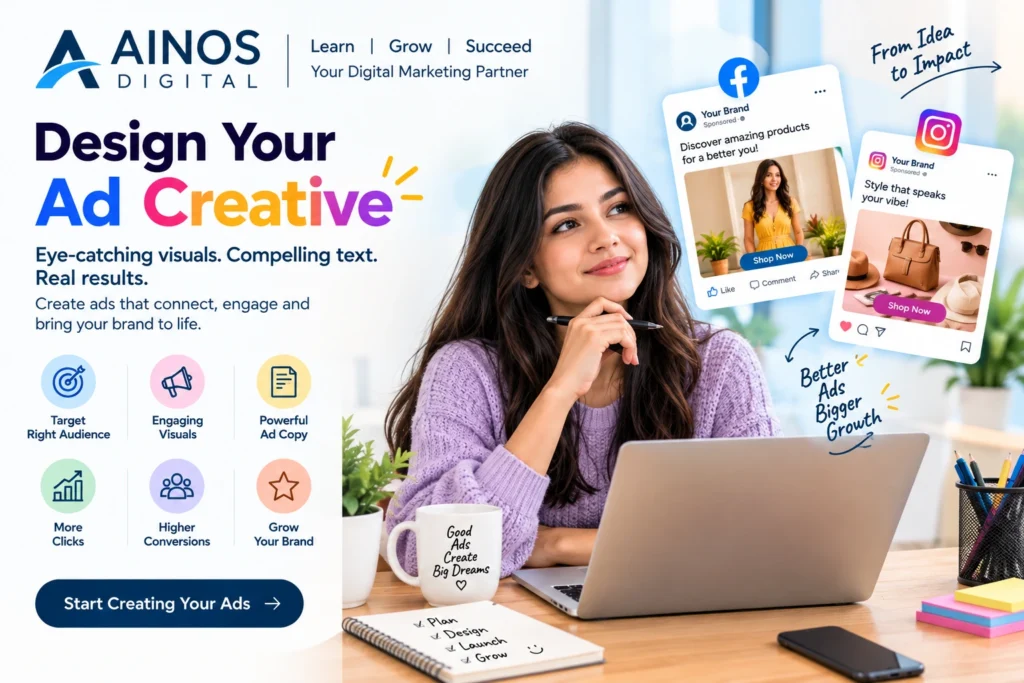
Your ad creative is what catches the user’s eye in their feed.
- Use Short-Form Video: Reels and vertical videos (9:16 ratio) perform best across both Instagram and Facebook.
- Hook the Viewer in 3 Seconds: Start with a strong hook or question so people stop scrolling.
- Write Clear Ad Copy: Keep your text concise, focus on the benefits, and finish with a strong Call to Action (CTA) like Learn More, Shop Now, or Sign Up Today.
Step 6: Review, Launch, and Track Performance
Once you hit Publish, Meta reviews your ad to ensure it follows their advertising policies. After it goes live, track key metric numbers in your dashboard:
- Impressions: How many times your ad was displayed on screen.
- CTR (Click-Through Rate): The percentage of people who clicked your link after seeing the ad (aim for 1% or higher).
- CPC (Cost Per Click): How much money you pay each time someone clicks your link.
- CPA (Cost Per Acquisition): How much money it costs to gain a single lead or sale.
3 Beginner Mistakes to Avoid
- Changing Your Ads Too Quickly: Meta’s system uses machine learning (the “Learning Phase”) to figure out who converts best. Give your ads at least 3–4 days before making major changes.
- Targeting Audiences That Are Too Small: Broad targeting allows Meta’s algorithm the flexibility to find the right buyers at lower costs.
- Ignoring Mobile Formatting: Always preview your graphics to ensure text is readable on mobile screens and isn’t blocked by screen buttons.
Free Resources to Get Certified
You do not need to spend money on expensive courses to master Meta Ads. Leverage these free industry tools:
- Meta Blueprint: Official, free online learning courses and certifications straight from Meta.
- Meta Ad Library: A free public database where you can search and view active ads run by any brand in the world for creative inspiration.
Visit us :- AINOS